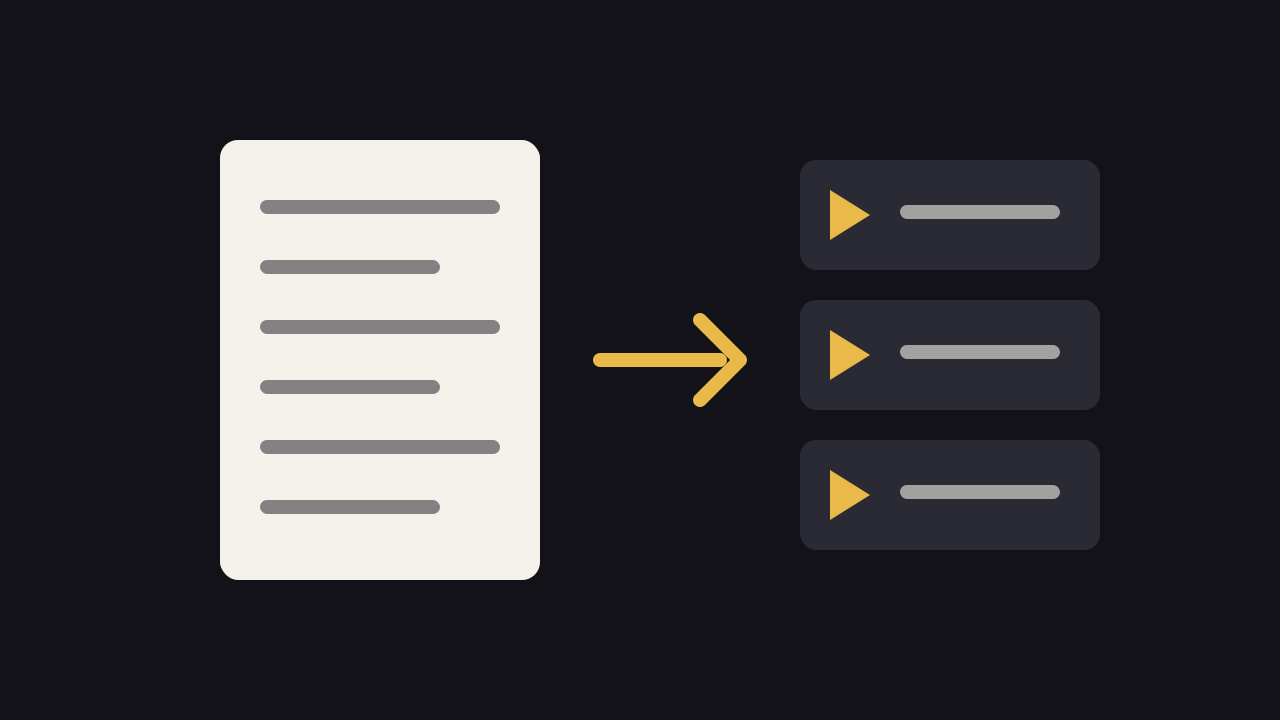
SOP training turns a written procedure into something a worker can do, not just read. Pick the SOPs that matter most, cut each one into short lessons, show the task on video, have the worker do it while someone watches, sign it off, and retrain when the SOP changes. Handing someone a 30-page PDF and asking them to sign it is not training. It is a signature.
What is SOP training?
SOP training teaches staff to follow a standard operating procedure the same way every time. Training Industry defines an SOP as a written, step-by-step document for a task or process. The training is what makes the steps stick: lessons, practice, a check, and a record of who passed.
Many teams stop at the document. They email the SOP, ask for a read-and-sign, and call it done. The worker signed. Nobody knows if they can do the task.
How do you turn an SOP into training?
Use 6 steps. They take a document and end with a worker who has done the task in front of someone who signed off. eLearning Industry and Whale describe parts of this. Few guides put the full path in one place.
| Step | What you do | What you end with |
|---|---|---|
| 1. Pick the SOPs | Start with the ones that are risky, done often, or cause complaints | A short list, not all 200 |
| 2. Map each SOP | Write the goal, who does it, the key steps, and the common mistakes | One page per SOP |
| 3. Cut into lessons | One lesson per task, 2 to 5 minutes each | 3 to 8 lessons per SOP |
| 4. Show the task | Video for hands-on work, screen recording for software, a diagram for a flow | A clip per lesson |
| 5. Test and sign off | A quiz on the decisions, then the worker does the task while a lead watches | A dated sign-off |
| 6. Retrain on change | When the SOP changes, update the lesson and retrain only those it affects | A version number on both |
Whale suggests starting with the 20 percent of SOPs that drive 80 percent of results. Trainual says to pick tasks that are frequent, risky, or tied to complaints. Both point the same way: do not train on every SOP at once.
Which format works best for each kind of SOP?
Match the format to the task. The Learning Rooms puts it simply: video for physical tasks, screen recordings for software, and animated diagrams for complex processes. Text alone works only for short checklists.
| Kind of SOP | Best format | Example |
|---|---|---|
| Hands-on task | Short video filmed on your own floor | Cleaning a machine, loading a truck |
| Software task | Screen recording with a voice | Entering an order, closing a ticket |
| Decision or flow | Diagram, then a scenario question | When to escalate a complaint |
| Short checklist | A printed job aid at the work spot | Opening or closing steps |
The Learning Rooms also suggests QR codes on the equipment that open the right lesson. A worker who forgets step 4 scans the code and watches 2 minutes, instead of guessing.
How do you check that SOP training worked?
Watch the worker do the task. A quiz shows they remember the steps. Doing the task shows they can follow them. Use both. eLearning Industry suggests scenario questions over simple recall, such as "the reading is 3 degrees high, what do you do," not "what is step 4."
Whale's example process records the date, the quiz score and the sign-off for each new hire. The new hire works with a buddy until a lead signs them off. That record matters. If something goes wrong later, it shows who was trained, on which version, and when.
What do OSHA and the FDA say about SOP training?
Some SOPs are required by law, and so is the training. Two federal rules spell it out. OSHA's lockout/tagout standard, 29 CFR 1910.147, requires written energy control procedures and training on them. The FDA's drug manufacturing rule, 21 CFR 211.25, requires training on the written procedures each worker uses.
The FDA rule ties training to the worker's own job:
Training shall be in the particular operations that the employee performs and in current good manufacturing practice...
21 CFR 211.25(a), U.S. Food and Drug Administration
OSHA is the clearest model for retraining. Under 1910.147(c)(7)(iii), retraining is required when a job changes, when a machine or process adds a new hazard, and when the energy control procedure itself changes. Under 1910.147(c)(7)(iv), the employer must certify the training, with each worker's name and the dates.
Even if your SOPs are not under either rule, copy the pattern: retrain on change, and keep names and dates. Your industry or state may require more. This page has not read your regulator's rules.
What this looked like when we built SOP training
A trucking company asked us to pull its onboarding into one course. It was mostly PDFs and slides. Some of the most important steps were not written down at all. We called the staff they pointed us to and wrote down what only those people knew.
We built it so parts can be updated fast, because rules change. It uses their own design and photos of their own trucks, plus a recording from inside a truck showing the in-cab software. Quizzes stay light. The focus is the rules, like no rolling "California stop."
For a US home care company, the material sat in Notion, Word and slide decks, split by department and location. We merged it into one source with no conflicts. Their managers reviewed it in a couple of hours and signed it off before we wrote a single lesson. That sign-off step is what keeps SOP training from teaching an old version.
How to do it yourself
You can turn one SOP into training in about 2 days. You need the SOP, the person who does the task best, and a phone.
- Pick one SOP that is risky or done every day. (10 minutes)
- Check it is current. Ask the best worker to walk through it. Fix what they do differently. This step finds most of the problems. (1 hour)
- Map it on one page: the goal, who does it, the steps, the 3 most common mistakes. (1 hour)
- Cut it into lessons of one task each. Our training course outline template keeps them in order. (1 hour)
- Film each task on a phone, or record the screen with a free tool like OBS Studio. Keep each clip under 5 minutes. (Half a day)
- Write 5 scenario questions about the decisions in the SOP. (1 hour)
- Make a sign-off sheet with the SOP version, the worker's name, the date and the lead's initials. A job aid template works for the checklist at the work spot.
- Put the lessons in your LMS so you can track who finished them. For a small team, a shared folder and a paper sheet are enough to start.
The mistakes that cost the most:
- Training on an old SOP. Check it against how the work is done today before you film anything.
- Read-and-sign only. A signature is not proof of skill.
- One long video per SOP. When one step changes, you have to redo the whole thing.
- No version number. Without it, you cannot tell who needs retraining after a change.
Have an SOP you want turned into a course? Send it to us and we will send back a free course outline built from it. Get a free outline from your SOP.
If you would rather have the lessons built too, our instructional design services turn SOPs into finished courses.
Questions people also ask
How long does SOP training take?
It depends on the SOP. A short one may need only a few short lessons, a quiz and one watched try. A long, risky one can need practice over several shifts before sign-off. Time your first 2 workers and use that.
What should an SOP training record include?
The worker's name, the SOP name and version, the date, the quiz score, and the name of the person who watched them do it. OSHA's lockout/tagout rule asks for at least names and dates.
How often should SOP training be repeated?
Retrain when the SOP changes, when the job changes, and when someone makes a mistake that shows a gap. The Learning Rooms suggests a yearly refresher for critical SOPs.
Can SOP training be done online?
The lessons and quizzes can. The final check for a hands-on task should be in person, with a lead watching the worker do it.
What is the difference between an SOP and a work instruction?
An SOP covers a whole process and who owns each part. A work instruction covers one task in detail. Many teams train from the work instructions and keep the SOP as the master copy.