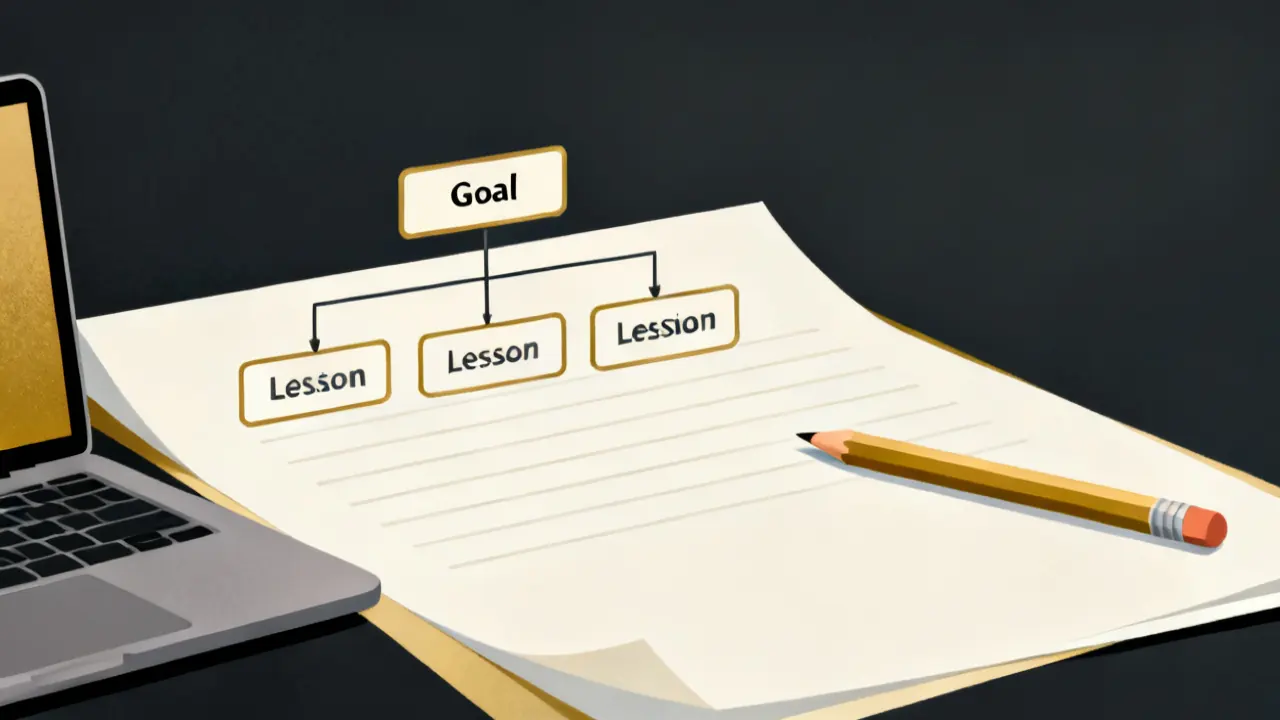
A course outline template is the plan you fill in before any slide exists: who the course is for, what learners must be able to do, which lesson serves which outcome, how learning is checked and which document each fact comes from. Start from the outcomes, not a topic list. The free Word template has 5 tables, 5 outcome lines and a 10 item production checklist, with grey worked examples to copy.
The template is one A4 portrait document, every blank a placeholder in square brackets, free to use and adapt. Its text was read back for this page; the file was not opened in Word or Google Docs.
Why start a course outline with outcomes instead of topics?
A topic list cannot tell you what to cut. Medication refusals could be 3 minutes or an afternoon. An outcome like record a medication refusal on the MAR chart within the same shift tells you what the lesson must contain and what the quiz must test.
Carnegie Mellon's Eberly Center, writing for university instructors, opens its page on learning objectives with "Before you decide on the content to cover in your course" and suggests starting from the objectives.
The Eberly Center page treats objectives, assessments and teaching as 3 parts that should line up, and suggests you "start from the learning objectives, then move on to the other two components". When the 3 parts drift apart, the page describes the result:
When these components are not aligned, students might rightfully complain that the test did not have anything to do with what was covered in class, or instructors might feel that even though students are earning a passing grade, they haven’t really mastered the material at the desired level.
Carnegie Mellon University, Eberly Center, "Learning Objectives"
The page is written for university teaching; in your workplace, the gap is a learner who passed the quiz and still gets the form wrong.
If you do not yet know which outcomes matter, a training needs analysis ranks the gaps per role first.
What is in the free course outline template?
The template has 7 sections, in this order. The course facts table sits straight under the title, with no heading of its own.
| Section | What goes in it | The decision it forces |
|---|---|---|
| Course facts (8 rows) | Title; audience and what they already know; format; length in minutes across a number of lessons; platform or LMS; owner by name and role; version and date; review date | Who is accountable for the course, and when it is next reopened |
| Why this course exists (3 rows) | The business problem in 1 or 2 sentences; what learners must be able to do afterward, as "Learners can [verb] [object]." lines; how success is measured, with a target and a date | Whether the course fixes a real problem, and how you would know it did |
| Learning outcomes (5 lines) | "By the end, learners can [verb] [object] [standard]." plus a guidance note and a grey example | What a learner must be able to do, in a form someone can watch |
| Lesson plan (7 columns, 8 rows) | Lesson number, title, the outcome number it serves, 3 to 5 key points, an activity or check, media and minutes, with a grey example row and a total row | Which lesson serves which outcome, and how long the course really is |
| Assessment (5 columns) | Method, pass mark, attempts allowed, what is recorded, where the record lives | What counts as passing, before anyone writes a question |
| Sources and approvals (5 columns) | Source document and section with its lesson numbers, version, date checked, approver, date | Which version of which document the course teaches, and who signed it off |
| Production checklist (10 items) | From "Outline approved" to "Records flowing to the report" | The order the course gets built in |
The third column is a reading of the file, not its words. Owner asks for "the person accountable for this course", and Review date for the date the course "must be reviewed by". Leave both blank and nobody is named to reopen the course when its policy changes.
The file ends on one grey line: "This template is free to use and adapt. Replace every bracketed placeholder; delete the grey example rows."
How is a training course outline different from a class syllabus?
A class syllabus is written for students. A training course outline is written for the people who build and approve the course. Carnegie Mellon's Eberly Center calls the syllabus "a place for you as the instructor to communicate your course design to your students."
This template has 3 parts your learners never need to see: the owner and review date, the sources and approvals table, and the 10 step production checklist. They tell your team what to build, from which document, and who signs it off.
Both start from the same idea. The Eberly Center tells instructors to design the main parts of a course and make sure they line up with each other. In this template, that is the chain from outcome to lesson to assessment. If your learners want a one page summary, write it from the finished outline: the title, the outcomes, the lessons with minutes and the pass mark.
How do outcomes drive the lessons?
Each lesson row in the outline names the outcome it serves by number. Write the outcome first, then tie each lesson to it, as the 2 parts below show.

How do you write a learning outcome you can check?
Write one observable action in 3 parts: a verb you could watch, its object, and a standard that separates right from wrong. The template's grey example reads "Example: By the end, learners can record a medication refusal on the MAR chart within the same shift." Record is the verb, the refusal on the MAR chart is the object, the same shift is the standard.
Drop the standard and nobody can fail the outcome. Without a verb, what you have left is a topic.
The guidance note under the outcome lines gives you the test: "If you could not watch someone do it, rewrite it: swap “understand” or “know” for a verb you can see." Carnegie Mellon's university teaching page lists "Understand X" among objectives that are "typically vague but are often used", and suggests asking what students would do differently if they really understood.
The standard can also be an accuracy (no blank fields) or a reference (as section 4 of the policy sets out). Pick one your workplace already checks.
The template asks for outcomes twice: 3 short "Learners can [verb] [object]." lines under Why this course exists, then 5 numbered lines with the standard. Agree the 3 short lines with your approver, then write the course against the 5 numbered outcomes, which the lesson plan table cites by number. A required number of outcomes was not found in the pages read for this guide.
How does the lesson plan tie each lesson to an outcome?
Every row in the lesson plan table carries the number of the outcome it serves. A lesson with no number is a candidate to cut. Then check the other direction: an outcome no row points to is not being taught.
The grey example row, "Recording a medication refusal", serves outcome 1. Its 4 key points are why a refusal is recorded and never skipped, which MAR chart code to use, what to write in the notes, and who to tell by when.
The row runs 6 minutes on slides with voiceover and a screen recording, and its check is a scenario quiz of 3 refusal cases. The check follows the outcome: outcome 1 says record, so the quiz has the learner pick the correct entry in each of the 3 cases.
The 8 blank rows each start at [5], so the lesson plan table shows 40 minutes before you change anything. The total row, "Total minutes (should match Length above)", holds a [Sum] placeholder, not a formula, so add the column yourself. If your total differs from Length, the lessons are padded or the promised length is wrong.
Set a rule for lesson length before you fill in the minutes. When we did the instructional design for an accounting firm's course, lessons ran 1 to 5 minutes, for Gen Z learners. A lesson over 5 minutes had to earn it. The firm's 10 hours of recorded calls became 92 lessons in 8 modules, 8.3 hours in all.
What should you decide about assessment before you write?
Decide the method, the pass mark, the attempts allowed, what is recorded and where the record lives. The grey example row in the assessment table is a 10 question scenario quiz, with 80 percent to pass and 3 attempts. Score, date and attempt number are kept in the LMS report and the training matrix.
Settle the assessment table before you write the script; it shapes the activities. Carnegie Mellon's page, written for university courses, ties objectives and assessments together: "Because learning objectives should guide the selection of assessments, they cannot be vague."
If your course ships as a SCORM package, the result has somewhere to live. SCORM 1.2 reports one lesson status field, cmi.core.lesson_status (its values include passed, failed, completed and incomplete), plus a raw score, and its data model holds a mastery score, the "Passing score required to master the SCO". SCORM 2004 splits completion and success into separate fields.
How that status reaches your report is in how to track training completion in an LMS, and the publish settings behind it in how to export SCORM from Storyline 360.
Attempts can be an LMS setting. Moodle's documentation says its Number of attempts setting works only with SCORM 1.2 and AICC packages, so check where your 3 attempts will be enforced.
Why does the outline have a sources and approvals table?
The sources and approvals table gives the later fact check something to check against. The table's note reads "Tie every lesson to the policy, regulation or manual it came from. Note the lesson numbers in the first column." In the grey example row, Medication policy, section 4, sits behind lesson 1, at version 3.1, checked 2 March 2026 and approved by the registered manager on 5 March 2026.
With lesson numbers in the first column, a new version of a policy tells you which lesson rows to reopen.
An approver can also be an outside expert. For a staffing agency in Canada, we built 15 courses of 6 lessons each, for hotel, coffee shop and restaurant staff. We found experts in each field, interviewed them and had them sign off as the experts. Then the client reviewed and approved the curriculum before we built the lessons.
Articulate's AI Assistant FAQ states: "AI Assistant doesn't currently have the capability to automatically include a citation to the source of generated content." If a model drafts any of your content, run the review routine in how to create a training course with AI. The source column is where the citation goes back in.
In what order does the checklist build the course?
The checklist has 10 boxes, in build order:
- Outline approved
- Sources locked
- Script drafted
- Script fact-checked against sources
- Slides built
- Voiceover or presenter recorded
- Quiz written and answers checked
- SCORM or package exported
- Tested in the LMS as a learner
- Records flowing to the report
The boxes are typed characters, not Word check boxes.
In practice, most expensive steps come after a cheap check that could undo them. The script is checked against sources before any slide is built: a wrong fact in a script costs you a sentence, and on a narrated slide it costs a recording.
The last box is the record arriving in the report, not the export. If the course is part of a new hire's first weeks, give it a due date and an owner in your onboarding training plan.
How do you fill in the outline for your course?
You need a word processor with tables (Google Docs and LibreOffice Writer are free), your source documents and your approver. Allow 2 to 4 hours for a 30 to 60 minute course (a working estimate).
- Course facts. A 2 column table: title, audience and prior knowledge, format, length, platform, owner by name and role, version and review date.
- Why it exists. The problem in 1 or 2 sentences, the outcomes, and the measure with a target and a date.
- Outcomes. Numbered, each a verb, an object and a standard. Ask of each whether you could watch someone do it.
- Lesson table. Title, outcome number, 3 to 5 key points, activity or check, media and minutes, then a total you compare with the length.
- Assessment table. Method, pass mark, attempts, what is recorded and where. Check your LMS can hold each one.
- Sources and approvals table. Document and section with lesson numbers, version, date checked, approver and date.
- Checklist. The 10 steps above, in that order.
Where do course outlines usually go wrong?
Here are 4 mistakes that undo an outline, each one cheap to fix before the build starts.
- Outcomes written as topics. Medication refusals is a heading. With no verb and no standard, the quiz has nothing to test.
- No assessment before the script. A pass mark chosen after the build gets fitted to whatever quiz exists.
- No source version locked. If the outline never recorded which policy version the course used, you cannot tell which lessons the next version breaks.
- Minutes guessed. 8 lessons left at 5 minutes is 40 minutes on paper, whatever the scripts turn out to be.
Want the plan done for you? We map every module, lesson and quiz of your course free, then give you a fixed price to build it. Get a free course map.
Other questions about course outlines
What should a training course outline include?
The audience, observable outcomes, lessons mapped to those outcomes with minutes, the assessment and pass mark, and the source behind each lesson.
Can I use the template for a training program or a single module?
Yes: one outline per course in a program, or one lesson row per part of a module, adding or deleting rows as you need.
Where can I see a training course outline example?
The template's grey rows are one, a 6 minute lesson on recording a medication refusal, carried through the outcome, the lesson plan and the sources table. The assessment row is a generic scenario quiz.
Does the template work in Google Docs?
Not tested. The file is a.docx with tables and numbered lists; check the tables after upload.