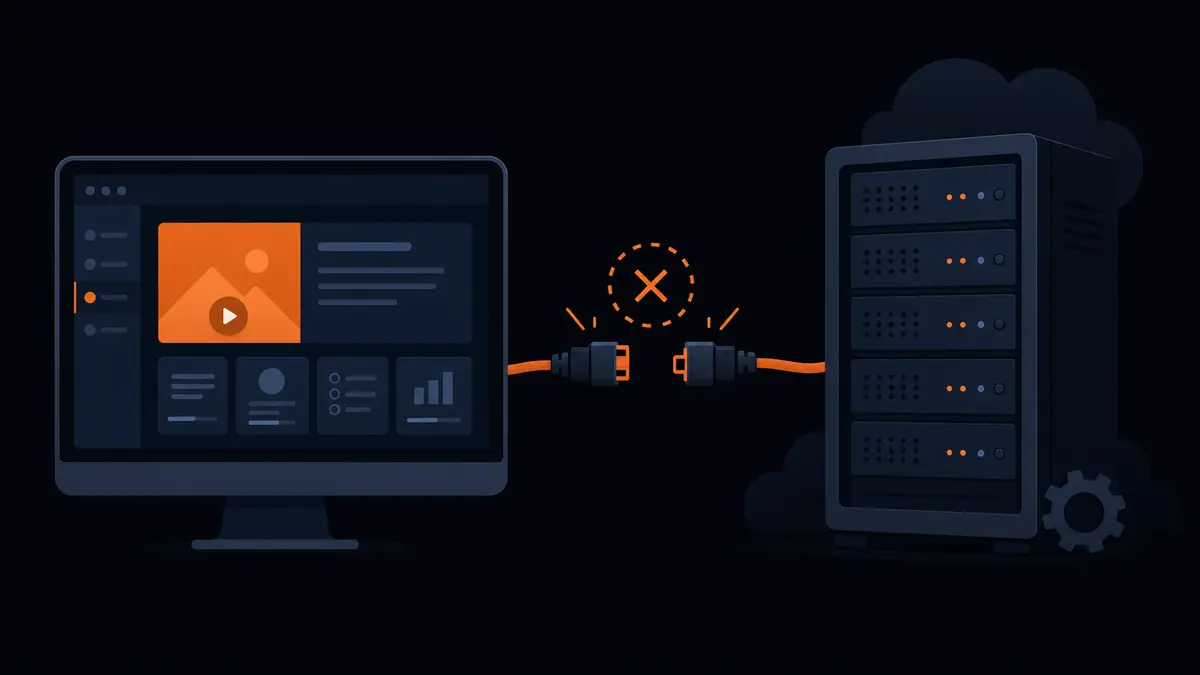
"Unable to find API adapter" means your SCORM course cannot find the JavaScript object the LMS provides for it to talk to. Open the course from inside the LMS, not from the exported zip.
SCORM is really a way for the course to tell the LMS what the learner did. If the course can't find the LMS, nothing records.
Rustici Software, "SCORM Run-Time Environment"
This error shows up for SCORM 1.2 and SCORM 2004, in any authoring tool, on any LMS.
What does "Unable to find API adapter" actually mean?
A SCORM course talks to an LMS through a JavaScript API object. SCORM 1.2 looks for window.API. SCORM 2004 looks for window.API_1484_11. The LMS creates one of these objects when it opens the course. If the course cannot find it, the error fires.
SCORM is really a way for the course to tell the LMS what the learner did. If the course can't find the LMS, nothing records.
Rustici Software, "SCORM Run-Time Environment"
A SCORM course launched outside its LMS has no API object to find because the LMS is not there to provide one. That is why opening the index.html or index_lms.html file directly from your computer always shows this error.
How do you fix "Unable to find API adapter"?
Start with the simplest cause first. Most people skip step 1.
Open the course from inside the LMS. Log in as a learner, find the course, and click the launch button. Do not double-click the index_lms.html file from your downloads folder. Do not paste a direct link to the SCORM content. The LMS must open the course because that is when it creates the API object.
Check for pop-up blockers. If the LMS opens the SCORM course in a new window or a new tab, your browser may block it. Look for a blocked pop-up icon in the address bar and allow pop-ups for your LMS domain. This is most common in Safari and Firefox. Chrome and Edge usually ask first.
Turn off Launch player in new window. If your authoring tool has the option and your LMS already opens courses in its own window, doubling up can break the API reference. Articulate Storyline calls it Launch player in new window (creates launch page) under Home > Player > Other. Articulate says to leave it off when your LMS opens courses in its own window. Rise 360 and other tools have the same setting under different names.
Ask your LMS administrator whether the LMS supports SCORM. Canvas needs the SCORM LTI enabled at the account level, and its guide says administrators should contact Canvas Support for that. TalentLMS supports SCORM 1.2 only, not SCORM 2004. Moodle supports SCORM 1.2 in version 2.1 or higher and not SCORM 2004.
Test in SCORM Cloud first. If the package works in SCORM Cloud and throws the API error only in your LMS, the API object is missing or the window relationship is wrong, so the problem is in the LMS setup, not the package. Rustici's testing page is blunt: "If your content doesn't work in SCORM Cloud, it is probably not going to work in your LMS either."
The file name or location the launch URL points to has to match what is in imsmanifest.xml. If your LMS admin renamed the file or moved it after upload, the course starts but cannot find the API.
What if the error only shows in one browser?
SCORM requires JavaScript, and each browser handles it differently. Check these in order:
Turn off Prevent cross-site tracking in Safari, or privacy settings that block third-party cookies. Safari is the most common browser behind this error. Go to Safari > Settings > Privacy and uncheck Prevent cross-site tracking.
Allow cookies for your LMS domain. Some browsers treat the LMS and the SCORM content as different sites and block the API call as a cross-site request.
Check whether the browser blocks JavaScript. SCORM cannot run without it. Most modern browsers have JavaScript on by default, but some enterprise environments push policies that turn it off.
Try Chrome or Firefox. If the course works in one browser and not another, the browser is the cause, not the package.
TalentLMS names an Invalid cookie parameter error with exactly this cause in Safari. Their fix is the same: try Chrome or Firefox, or turn off Prevent cross-site tracking and allow cookies. Moodle's SCORM FAQ does not name this error, but its debugging section says to turn on Activate API debug and tracing and check for red lines in the debug log, which indicate a communication error through the API.
What does the error look like?
The exact message depends on the authoring tool and the LMS. Common versions:
| Message | What it means |
|---|---|
| "Unable to find API adapter" | The course looked for window.API or window.API_1484_11 and found nothing |
| "Cannot find LMS API" | Same error, different wording, seen in older Articulate exports |
| A blank or white screen with no error text | The course stopped at the API check and did not display anything |
| The course plays but never completes | The API was found but the connection dropped after launch |
The last one is a variant. The window opened, the API was there, and then the pop-up blocker or the launch window setting closed the connection. The course plays normally, the learner finishes, and nothing records.
Which SCORM version has this error?
Both. SCORM 1.2 and SCORM 2004 check for the API, and the check is one of the first things the course does. The difference is which object the course looks for: window.API for SCORM 1.2, window.API_1484_11 for SCORM 2004.
SCORM 1.2 vs SCORM 2004 covers the choice. SCORM 2004 sends 2 statuses, completion and success, and the API object name is part of that change.
Open the course from the LMS. If you dragged the zip out of an email, unzipped it, and double-clicked the index file, that is the cause, and step 1 fixes it.
A SCORM course that won't complete? Send it to us. We fix one course free for companies, or tell you why it fails, within 48 hours. See the free SCORM fix.
Related errors
Why does my SCORM course work in Preview but not as a learner?
Preview mode in Moodle and Canvas does not always use the same API path. Moodle's SCORM FAQ says Preview uses browse mode, where the lesson_status may change to browsed under SCORM 1.2 rules. Canvas Preview is not a real learner attempt and may not trigger the LMS integration fully.
Does "Unable to find API adapter" mean my SCORM package is broken?
No. The package itself is probably fine. The error means the package cannot find the API object it needs, which is almost always a launch or browser problem, not a broken export.
Can I test a SCORM package without an LMS?
Not in a way that records results. You can open SCORM Cloud for free to see if the package reports completion and a score, and our free SCORM validator checks whether your zip and manifest are well formed.
A SCORM course that will not complete? Send it to us. We fix one course free for companies, or tell you why it fails, within 48 hours. See the free SCORM fix.